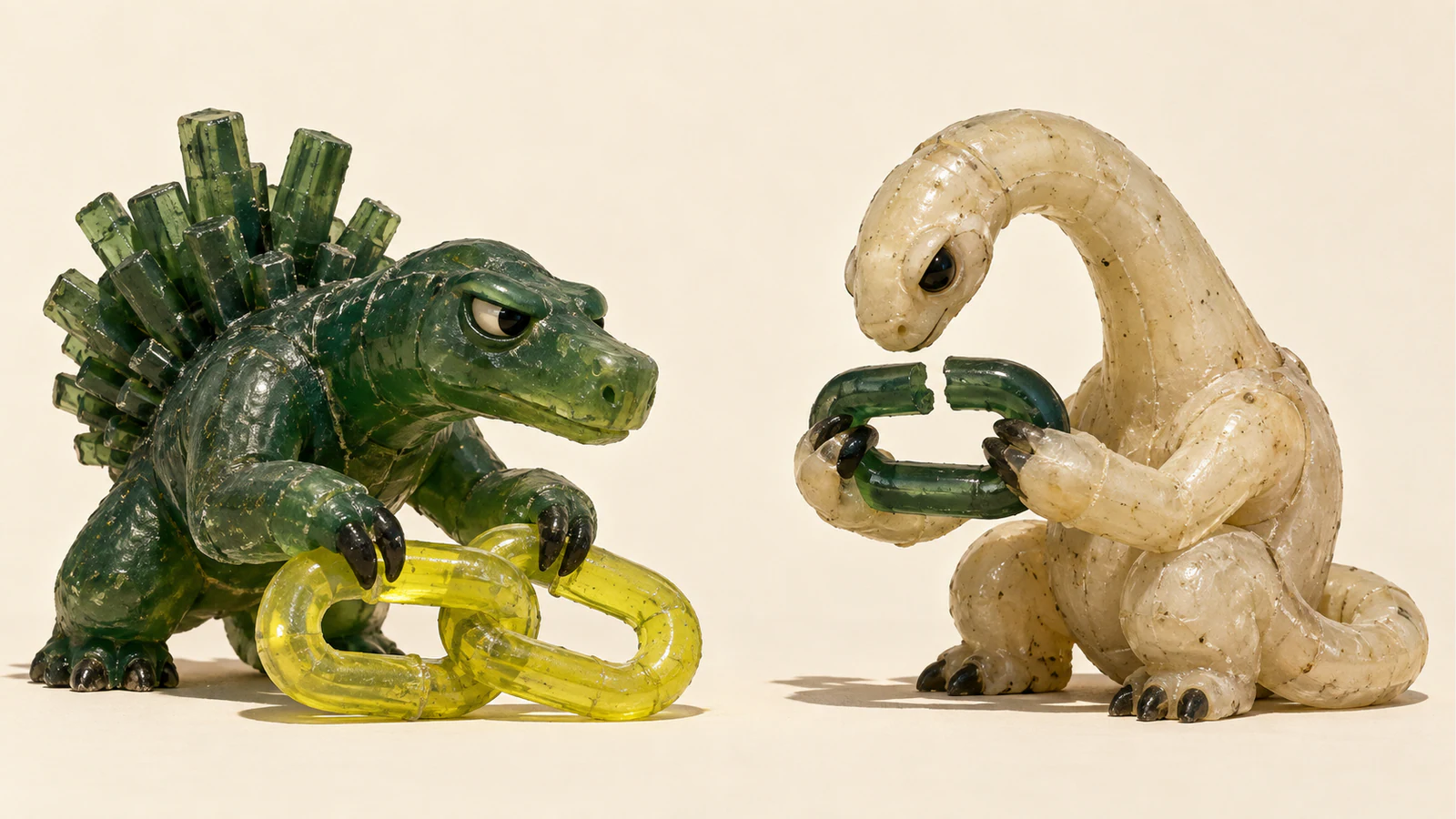
Kimi Claw gives you a hosted OpenClaw instance. That service and the downloadable Kimi models are different choices.
Kimi Claw is a cloud-hosted OpenClaw agent inside Kimi’s product. It is a way to get an agent running without setting up the server yourself. Moonshot also releases model weights such as K2 and K2.5, which give developers a different choice about how to run the underlying intelligence. The Kimi Claw overview describes the hosted product; the model cards describe the models.
If the aim is to get a routine job off your desk, start with that job. A parameter count or a comparison with Claude cannot tell you whether the agent will return something useful, whether you can inspect its work, or how much effort you will spend correcting it. Those are the questions that make the product worth considering.
What Kimi Claw gives you
Moonshot’s help page describes creating a dedicated OpenClaw through Kimi and deploying it to the cloud. The company presents this as a way to avoid buying and configuring your own server. That is a convenience claim about setup. It does not establish that every task you give the agent will run successfully or need no supervision. Kimi Claw product overview
There is still a workflow to decide on. What may the agent read? What result should it return? Which actions should wait for you? A hosted instance saves you some setup work, while those choices remain yours. I’d settle them before adding more tools or leaving a task running unattended.
For an illustrative task, imagine asking for a weekly summary of a few public product announcements. A useful brief could name the source for each change, separate an announced feature from an available one, and list anything it could not establish. That gives you something to inspect. A polished paragraph with no way to check it leaves you doing the research again.
The same approach applies to a coding request: define the change and the checks that would let you accept it. Treat a plausible explanation of the fix as a step toward a result. Keep the patch and its test output in the handover.
Keep the product and the model separate
Kimi Claw, a hosted agent workflow, and a Kimi model checkpoint answer different questions. The hosted product tells you how an agent is provided. A model card tells you which model was evaluated and the conditions under which those results were obtained. Neither document gives you a complete account of every possible deployment.
Two older open-weight generations are useful for understanding that distinction:
| Specification | Kimi K2 | Kimi K2.5 |
|---|---|---|
| Architecture | Mixture of experts | Mixture of experts |
| Total parameters | 1 trillion | 1 trillion |
| Activated parameters | 32 billion | 32 billion |
| Context length in the card | 128K tokens | 256K tokens |
| Visual input | K2 card describes a language model | Native multimodal model with a 400M-parameter vision encoder |
Sources: the K2 model card and K2.5 model card. These are version-specific specifications, rather than a promise about whichever model a hosted service uses today.
The active parameter count explains which part of the mixture-of-experts model participates in computation. It is not a statement that the remaining weights disappear from a deployment. If you want to host the model yourself, use its serving guidance to work out the requirements instead of reading “32 billion active” as a desktop memory estimate. The K2 repository supplies deployment and tool-use examples.
K2.5 adds visual input and agent-oriented capabilities. Its card describes generating code from visual specifications, including interface designs and video workflows. That is a reason to evaluate it if your task starts with an image or a video. It is not evidence that a visual demo will always turn into a finished, correct application. K2.5 capabilities and evaluation
What the benchmark figures actually describe
Moonshot’s K2 card reports 65.8% on SWE-bench Verified with a single attempt using bash and editor tools. It separately reports 71.6% with parallel test-time computation and selection through an internal scoring model. Those two figures use different amounts of work. The evaluation notes are part of the result.
For K2.5, the card reports coding evaluations using an internally developed framework with a small set of tools and tailored prompts. It says the reported coding scores are averaged over independent runs. Before comparing that table with another vendor’s release, check the model version, tools, attempts, and mode. A percentage stripped of those conditions can make an easy comparison that the evidence does not support. K2.5 testing details
This matters for budgets as well as scores. An agent allowed to take more attempts may get further on a task. The relevant decision is whether the extra work produces an output you can accept. An unfinished run is still unfinished, even if it generated a persuasive account of its progress.
For readers comparing Anthropic’s offerings, the Claude Fable 5 is another dated vendor source. Read its claims with their release context attached. It does not establish a fixed current price advantage for every Kimi deployment.
Budget for the whole task
The Kimi API pricing explanation distinguishes input, output, and cache-related billing. That is already enough to show why an input-token price ratio is an incomplete budget. It leaves out how much the agent reads, how much it produces, and whether it needs to try again.
Use the current rate for the actual model and billing path you choose. A hosted product plan, an API bill, and self-hosted weights each need their own accounting. Owning the weights still leaves hardware and operations work; using an API still leaves usage to measure. The low-looking headline number is only the start of that calculation.
In the illustrative weekly-brief task, count the runs you discard along with the brief you keep. Record what was delivered and the effort needed to check it. If a cheaper-looking option creates more correction work than you can spare, that is part of the choice, even when the token rate looks attractive.
There is no need to scale the experiment before you can explain why it is useful. Start with a task small enough to inspect, give it a stopping condition, and compare completed outputs. That leaves room to learn without treating every failed attempt as a reason to buy another one.
Read the release terms before choosing self-hosting
Both model cards describe their release under a Modified MIT License. “Modified” deserves attention: inspect the actual terms for the checkpoint you plan to distribute or use. The K2 repository and K2.5 card identify the release and licensing information.
Open weights give you control over a deployment choice. They do not supply the people, serving setup, or acceptance checks needed to run it well. For a small project, the hosted route may be worth the convenience. For a team with a specific deployment requirement, the model release may be the more relevant starting point. Make that choice with the work and constraints in front of you.
Kimi is worth assessing on those terms: a hosted way to run an agent, and released models you can inspect and evaluate separately. I’d keep the first task modest, make the output checkable, and expand only after the workflow earns its place. That gives the technology a fair chance without asking you to trust a sweeping “better and cheaper” claim.


Join the discussion
Share a useful perspective or ask a question about this article.